
Learn English for Free
For Students, Teachers, and Authors

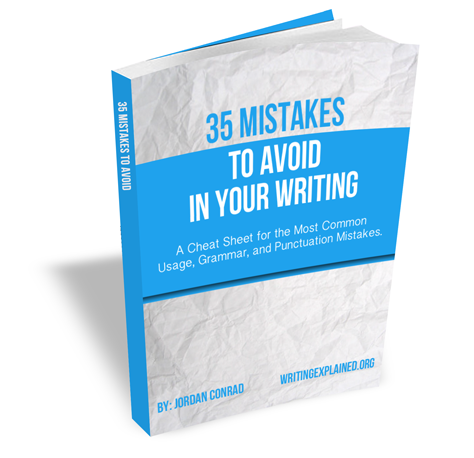
Become a Better Writer Today!
Clear up confusion between commonly misused words.
Stop making embarrassing writing mistakes.
Become the better writer you want to be.
As my free gift to you, I’d like to give you a complimentary copy of my latest e-book, 35 Mistakes to Avoid in Your Writing.
Want to Improve Your Writing?
The Writing Explained Confusing Words Section Can Help!
Confusing English Words
Sort through hundreds of confusing English words and learn how to tell them apart with example sentences and easy-to-remember tricks.
How to Start a Blog
Blogging is one of the best ways to get your work in front of readers. Learn how to set up your own blog with this A-Z guide.
Online Grammar Dictionary
How many of us can remember exactly what a past participle is? Or how about the differences between restrictive and nonrestrictive clauses? The Grammar Dictionary can help.
How to Write in MLA Style
MLA Style is widely used in literary writing circles, but how exactly are you supposed to use it? Here’s a detailed look at everything you need to know.
Affect vs. Effect
Out of all the confusing words in English, affect vs. effect are amongst the most puzzling. Many people have trouble telling them apart because of their similar…
Who vs. Whom
A lot of people have trouble on when to use the words “who” and “whom.” Mixing these words up can be relatively easy, and, if you confuse them too…
Between vs. Among
These two words cause quite a bit of headache in the head’s of writers because they are so often unsure when to use which one. Is there a difference in their use? Or…
Principal vs. Principle
Principal and principle are another set of homophones, which, despite sounding identical in their pronunciation, have completely different meanings…
Complement vs. Compliment
Complement and compliment are especially tricky because they are long words and their only spelling difference is one little vowel tucked in the middle. One word is…